

Fast Shutter Speed for Motion Photography: How to Freeze Action with Sharp, Clear Results
What is Fast Shutter Speed for Motion in Photography?
Shutter speed is the time value, or duration—in other words, how long it takes your camera to take a picture. When you press the shutter release button and the photo is taken quickly, your camera uses a faster shutter speed compared to when it seems like it takes longer, which is a slower shutter speed.
When to use a fast shutter speed:
A fast shutter speed is necessary when your subject is moving quickly.
When your subject is prone to changing directions suddenly, such as birds in flight.
Flapping wings, subjects running, water splashing over the rocks, or wildlife bounding over the landscape all require a fast shutter speed for crisp, clear results.
Your camera needs to respond quickly to the action, and a fast shutter speed is what freezes that action and appears to suspend it in time.
In this post, I’ll show you examples of subjects requiring fast shutter speeds, and even when a slower shutter speed was successful by comparison.
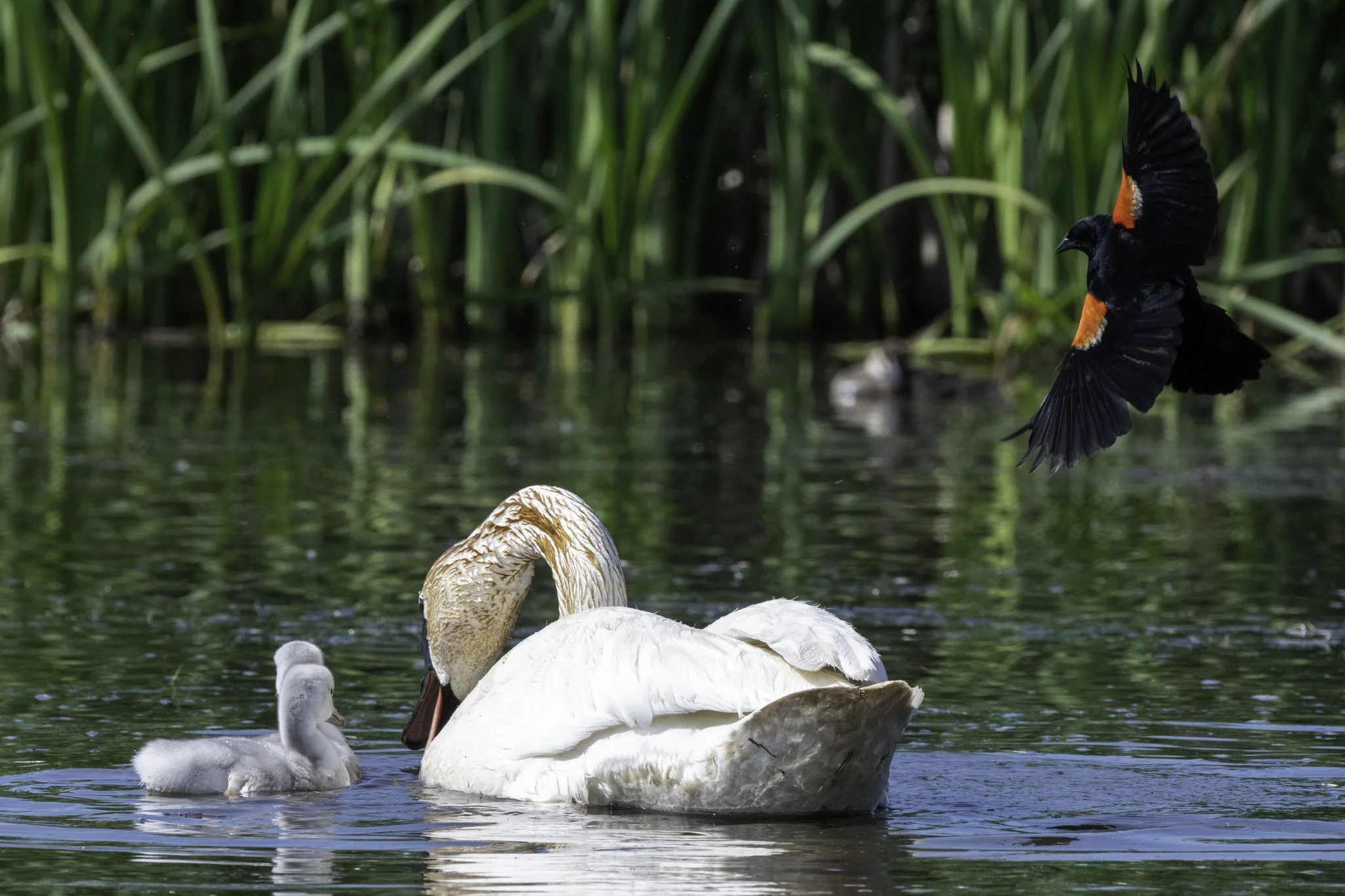
Red-winged Blackbird dives-bombs a Trumpeter Swan. Camera settings: f/6.3, 1/1250 of a second, at ISO 1250.

In this example, the shutter speed is represented by the number 1000. Although it’s not displayed as a fraction, it is 1/1000th of a second.
While 1/1000 of a second is not necessarily considered an excessively fast shutter speed for motion photography, it’s definitely suitable for slower and even somewhat faster moving subjects.
If your camera doesn’t have a display like this, look for the shutter speed on the camera’s rear LCD screen.
If you’re wondering, the displayed F5 is the f-stop, which, in photography, is related to the aperture.
How to practice fast shutter speed for motion photography:
Slower-moving subjects, such as wildlife standing still, waterfowl gliding slowly across a pond, or a toddler learning to walk, provide excellent opportunities to experiment with and practice taking photos using faster shutter speeds to capture motion and freeze the action.
Freeze the action refers to having the subject in crisp detail, with no creative or unintentional blur.
Worth mentioning is that the direction of travel of your subject makes a difference, as seen in the “stotting” mule deer, which I’ll explain.
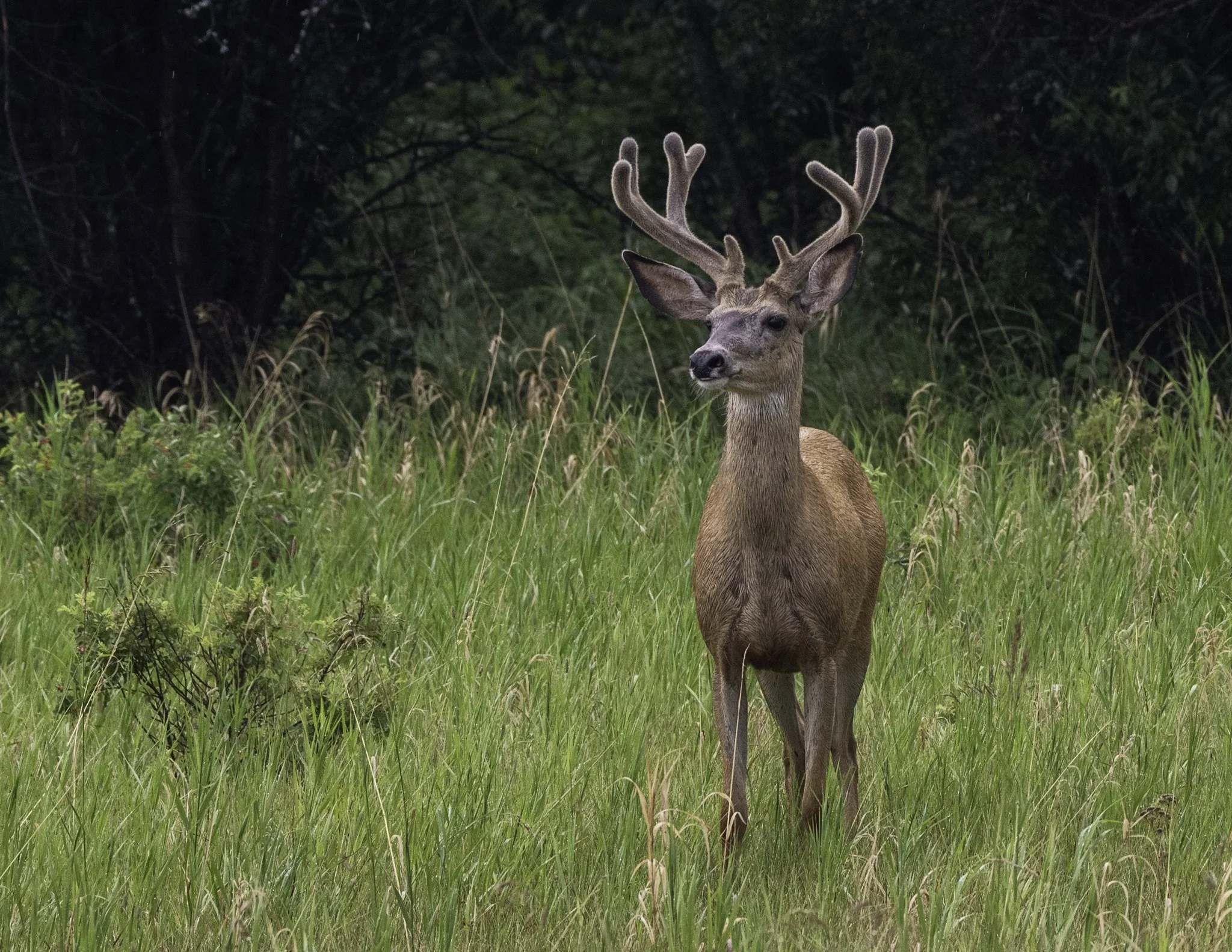
A mule deer photographed at f/8, 1/500, ISO 1600. Note the slower shutter speed of 1/500 compared to the Trumpeter Swan at 1/1250.
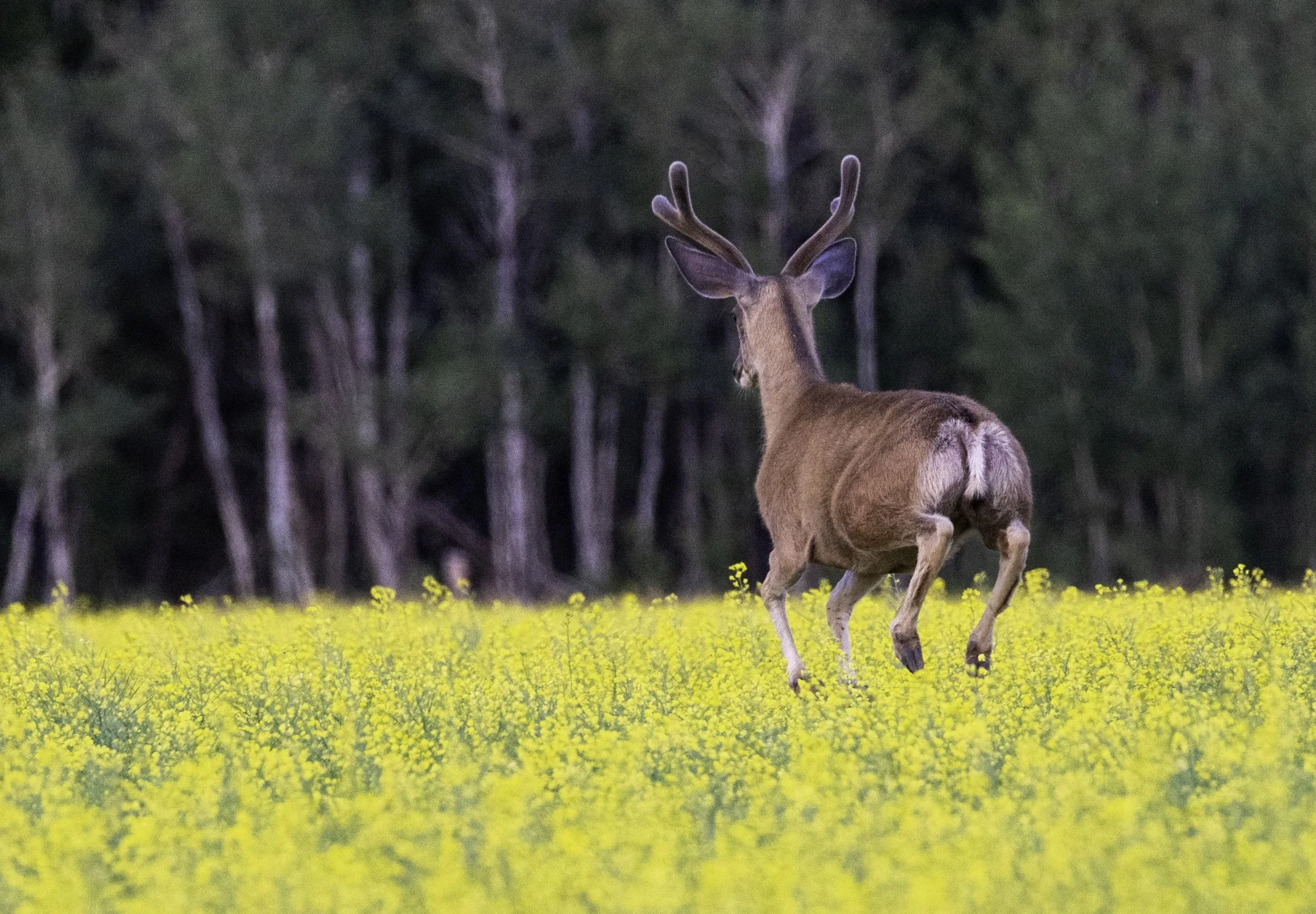
A mule deer bounds away with a jumping action known as stotting. Photographed at f/6.3, 1/320, ISO 4000.
Note that this is the slowest shutter speed of the three examples, along with the highest ISO. The photo was taken at dusk, and fading light was a challenge. As a result, it was necessary to increase the ISO to 4000 and obtain a 1/320 shutter speed for a satisfactory result.
Direction of travel:
Subjects moving toward or away from you will appear slower.
Subjects moving diagonally appear faster in comparison.
Subjects moving across your field of view from side to side will appear the fastest.
Therefore, subjects traveling toward or away from you will be easier to capture, especially when first starting out.
In the deer photo above, the direction of motion made photographing easier at 1/320 compared to traveling from my right side to my left, for example.
Camera settings for fast motion:
The camera’s Automatic mode (setting) is one you may want to experiment with while you practice photographing your moving subject.
A more suitable choice, while still implementing the automatic convenience while you practice, is the Sport mode.
While I admit I don’t often use the Shutter Speed priority mode, I’m aware of many photographers who do.
Why don’t I?
I prefer to use the Manual or the Aperture priority modes. However, I will walk you through how to use the shutter speed priority mode so that you can decide for yourself.
You may want to experiment in the Sport mode or Aperture priority mode and see if you prefer it over the shutter speed priority.
The camera adjustment is similar to below, except you adjust the mode dial to the letter A or Av depending on your camera, or locate the sport mode for your camera model.
To begin:
Adjust your camera to the shutter speed priority mode (S or Tv on your mode dial).
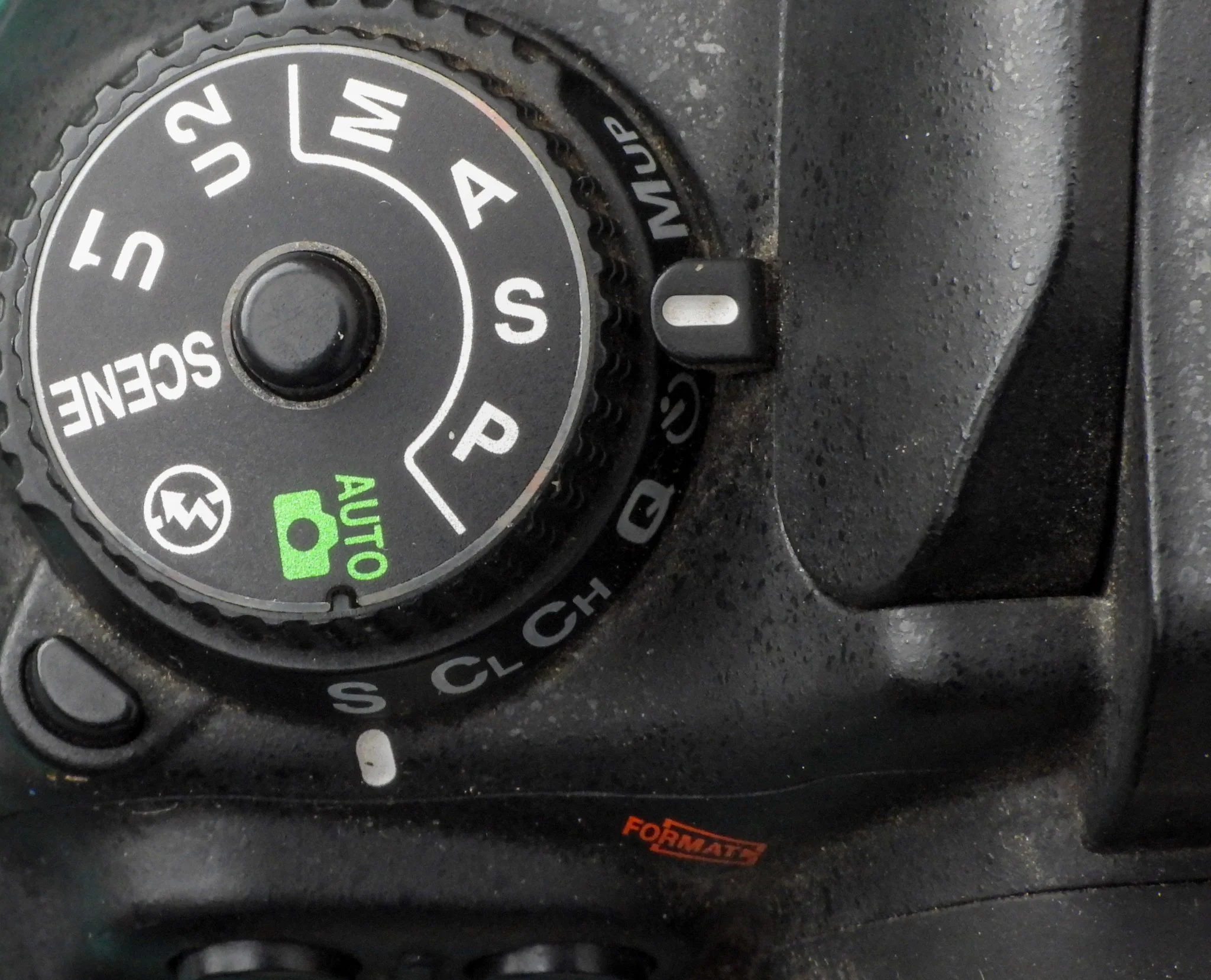
Camera mode dial example for shutter speed priority mode - S.
Locate the main command dial on your camera. In the example below, it’s directly to the right of the AE-L AF-L button, which is next to the viewfinder.
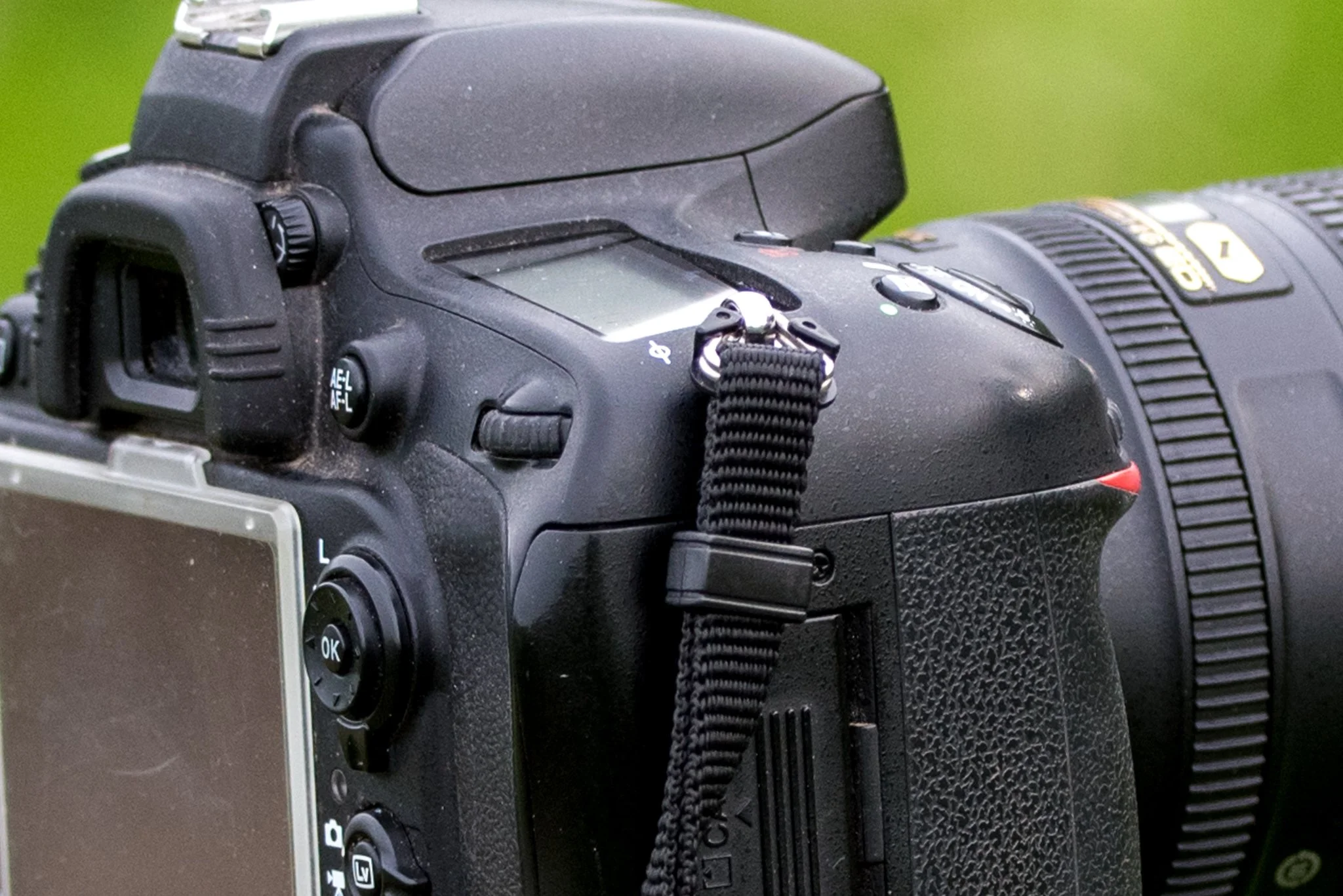
The camera’s main command dial.
Rotate the main command dial one way to increase the shutter speed, for example, from 1/100 of a second to 1/1000 of a second.
Rotate the command dial in the opposite direction to slow down or reduce the shutter speed, such as from 1/100 of a second to 1/8 of a second in the example below.
If you have two main command dials, one on the front of the camera and one on the rear, one controls the aperture, and the other controls the shutter speed.
If you have only one main command dial, you will probably need to press and hold the AE-L button while rotating the main command dial for the shutter speed.
If necessary, please check your camera manual for instructions when one dial is present.
Your shutter speed choice is based on factors such as the speed, direction of your subject’s movement and available light.
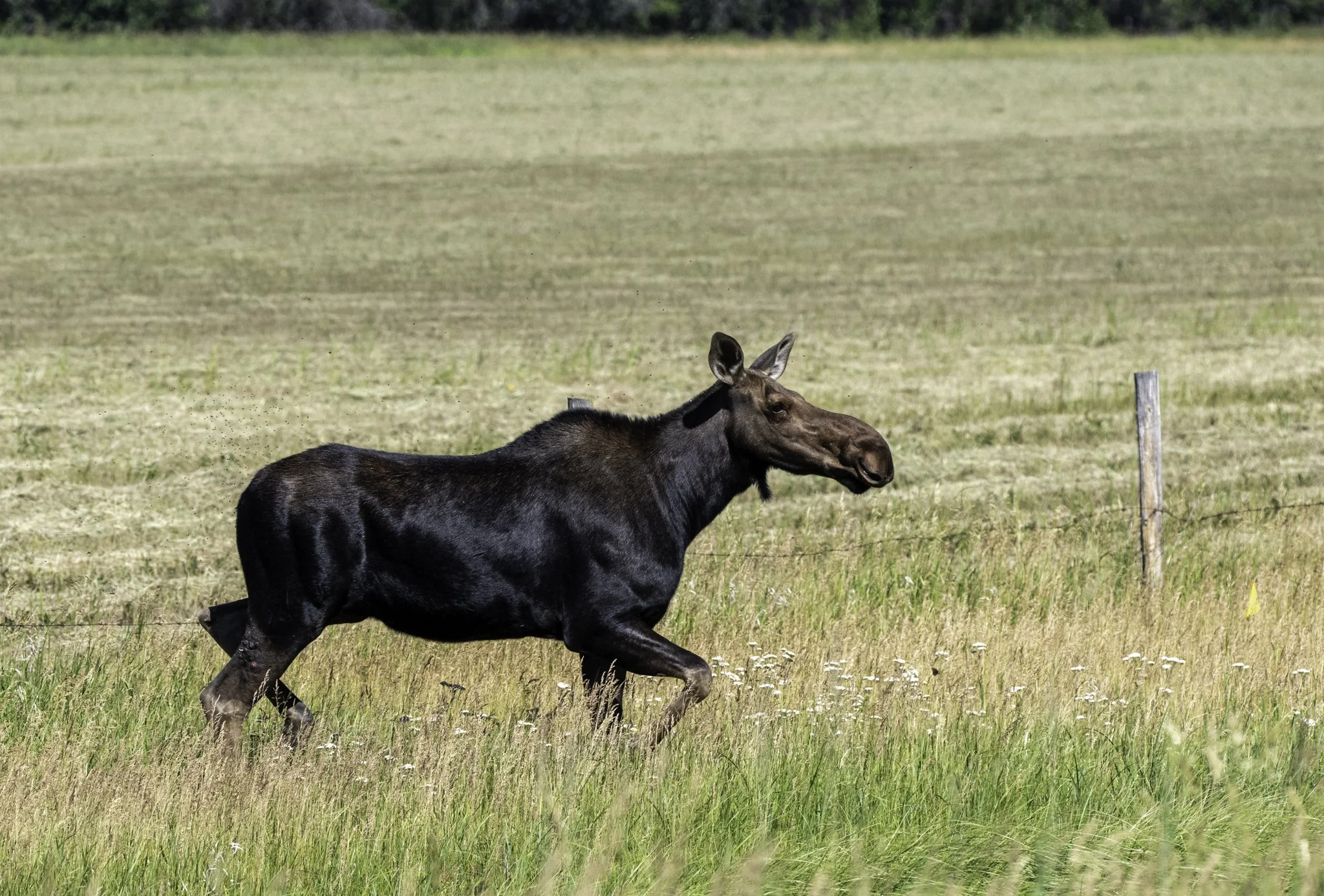
A moose walks through a roadside ditch. Photographed at f/6.3, 1/2000, ISO 1600.
When you encounter moving subjects unexpectedly, are you prepared?
When this moose crossed the road in front of me, my camera was already set to a fast shutter speed, in anticipation of hopefully seeing wildlife or birds along the way.
I often check camera settings before leaving home, as I consider the environmental conditions and what I might see on my photo outing.
However, I can be sadly unprepared occasionally, especially when my last photographed subjects or light conditions change rapidly from one location to another.
Is a tripod necessary for fast shutter speed for motion photography?
A solid tripod is essential if you have a heavy lens and it’s challenging to hold steady.
Even at a fast shutter speed, you may end up with camera shake, like me.
I use a tripod especially when using my 150-600mm lens.
Using my vehicle as a blind and resting the lens on the door with the window rolled down is my second go-to.
Camera shake refers to the inability to hold the camera steady enough to capture the scene or subject clearly within the time it takes the camera to take the photo, resulting in a blurry image.
As the photographer, considering how you want to capture a scene helps you build an ever-improving collection of photos. Using a fast shutter speed for motion photography is a fun and challenging way to improve your skills.
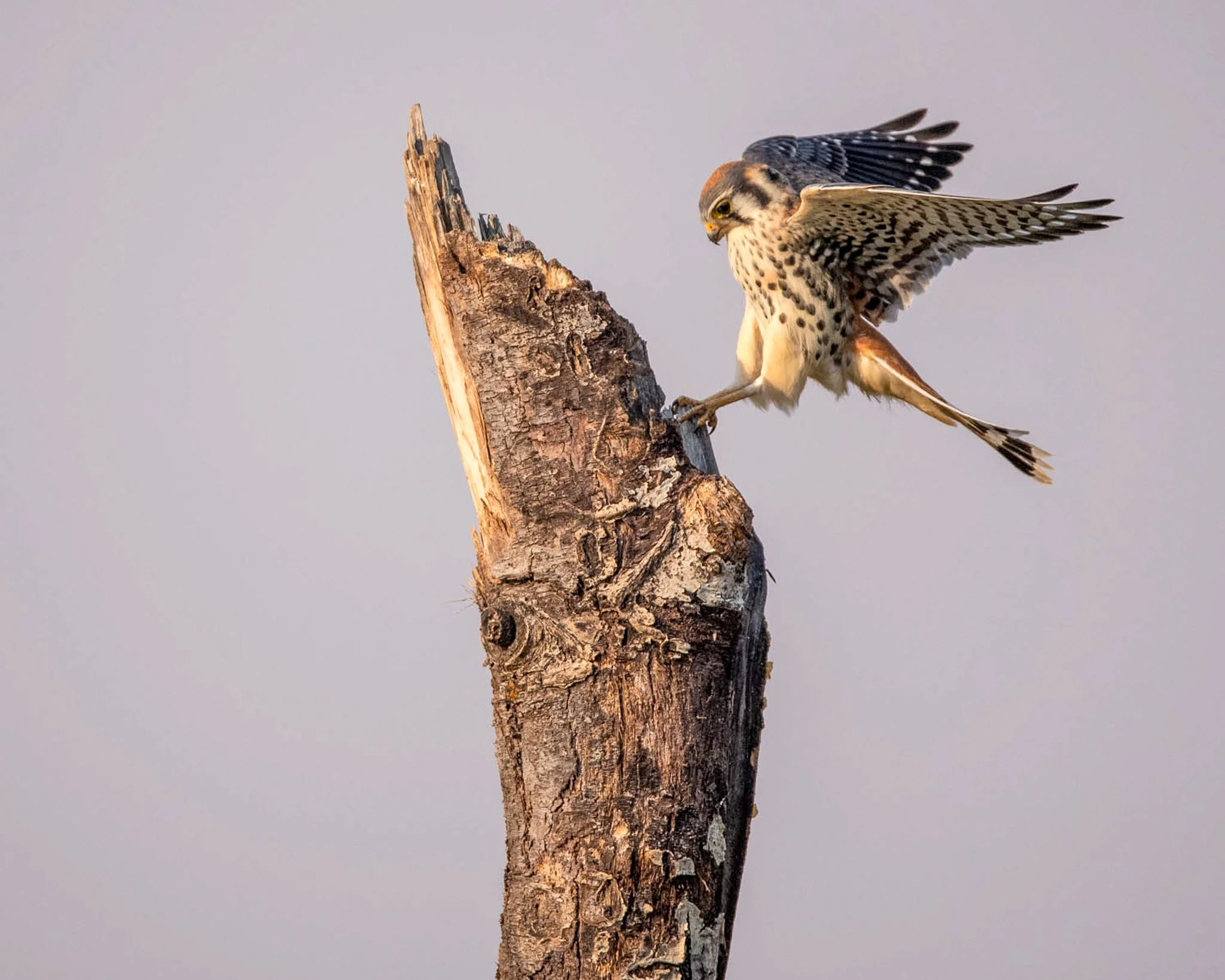
Anticipation resulted in the capture of this American Kestrel landing on a tree snag. Photographed at f/6.3, 1/4000, ISO 1600.
I photographed the Kestrel from my vehicle as it made a pass overhead and returned to this snag. Rather than attempt to track it in the sky, I aimed my camera at the snag, focused on it, and waited for the bird to come into land.
Photographing action, as in the examples above and below, requires observation, anticipation, and a dose of patience.
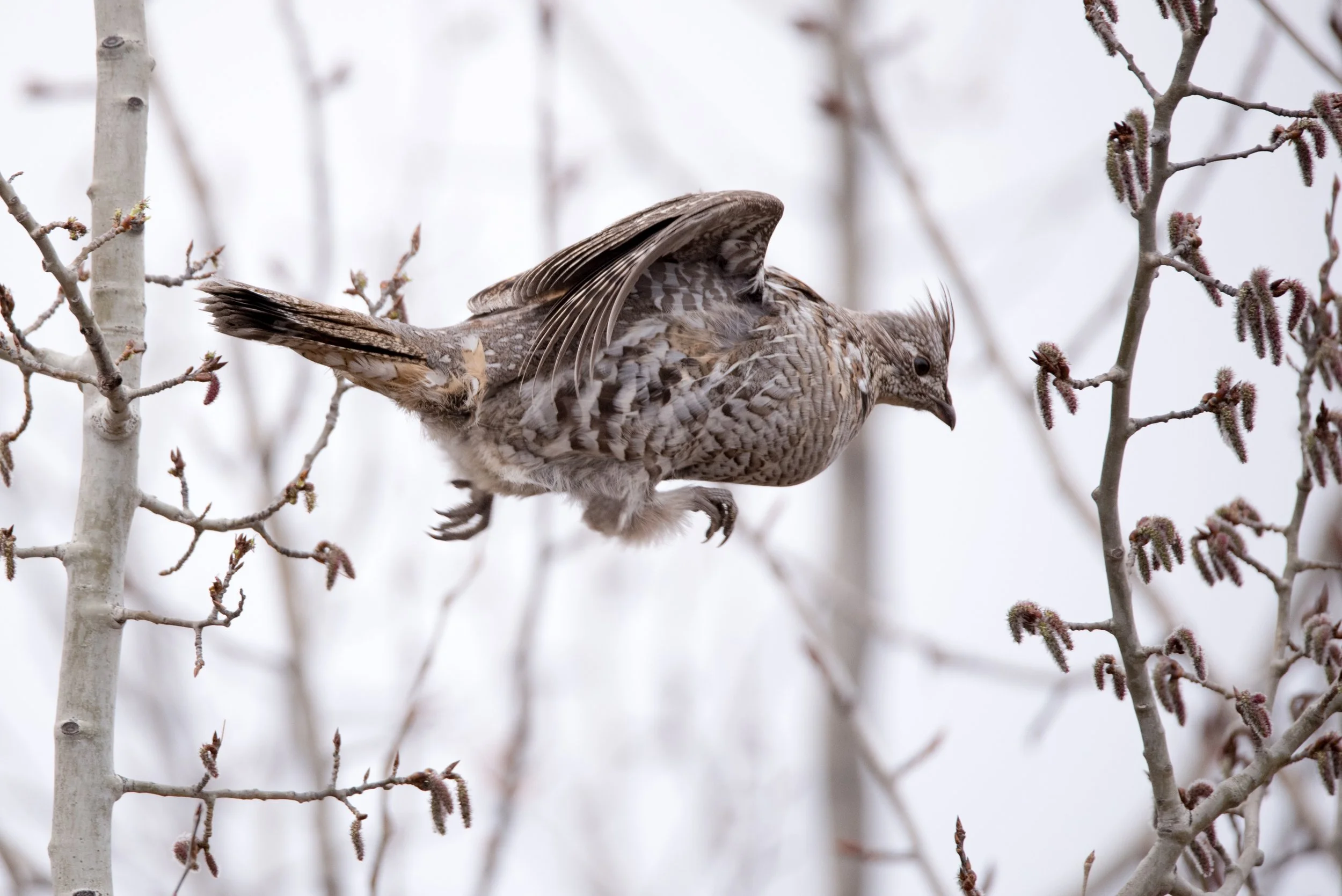
A leaping Ruffed Grouse photographed at f/6.3, 1/1600 (of a second), and ISO 1250.
I first discovered the Grouse feeding in a tree. Anticipating that at some point it would “do something,” I set up my tripod far enough away to not disturb it and waited - for what felt like forever. Finally, it had had enough, and it was time to move on.
In conclusion:
Shutter speed is the time the camera takes to capture your scene or subject, according to camera settings.
Fast shutter speed for motion photography is shorter, or faster exposure, such as 1/1000 of a second.
Depending on your camera capabilities, you may be able to shoot at 1/4000, 1/8000, or even higher.
Shutter speed also affects exposure, or the brightness or darkness of your photos.
For an introduction to exposure, please visit the Exposure Triangle for Beginner Photographers.
Looking for more information with hands-on exercises?
My self-paced, step-by-step guided online course could be just what you’re looking for.
For information and to view several lessons for free, please click on Essential Photography Skills for Beginners.
Have questions? Please click here.
